1. What Is a Digital Classroom?
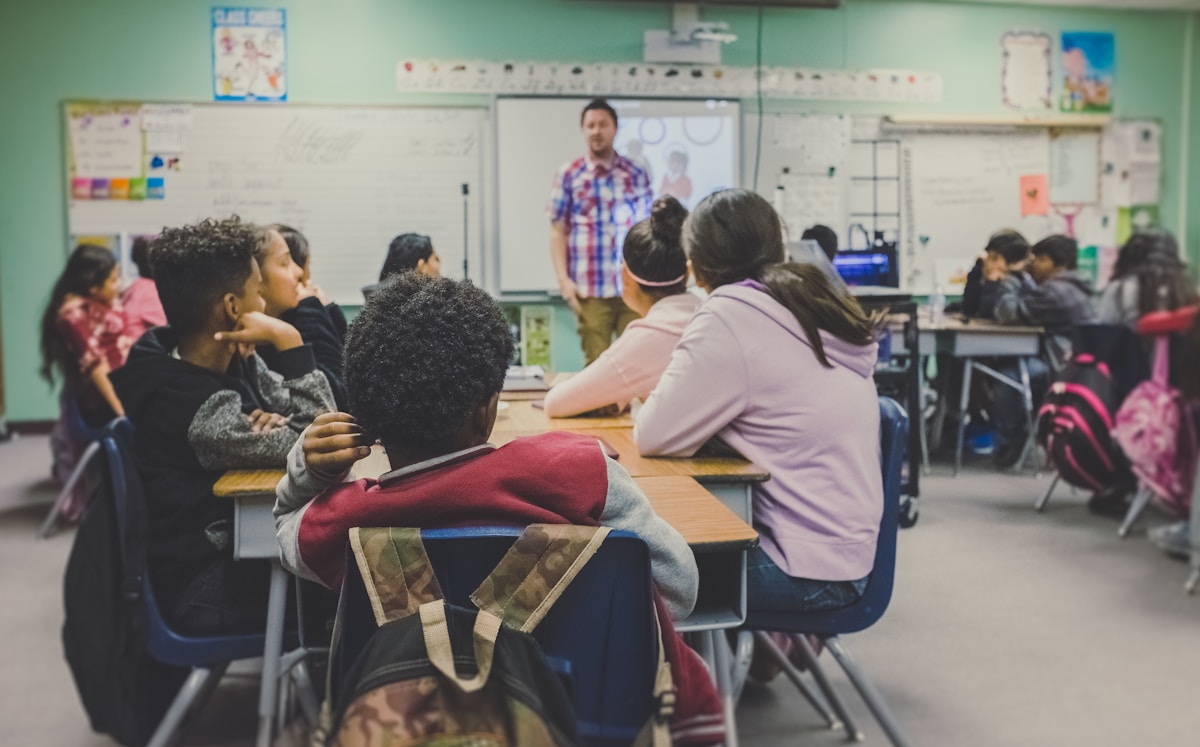
A digital classroom is a learning environment where digital devices and technology are used to support lessons, assignments, communication and assessment. It may include a teacher's computer, a projector or interactive screen, student tablets, a learning management system and access to carefully selected online educational materials.
Digital learning does not mean that every activity must take place on a screen. Teachers can combine technology with textbooks, discussions, practical experiments, handwriting and group activities. The purpose is to choose the method that helps students understand the subject most effectively.
The level of technology can differ from one school to another. A classroom with a shared computer and projector can use digital resources, while a well-equipped school may provide individual devices and a connected learning platform. Both can benefit when the tools are reliable, accessible and linked to lesson objectives.
2. Common Tools Used in Digital Classrooms
Schools can use a range of devices and software to support different learning activities. The right combination depends on students' ages, subjects, budgets, connectivity and teacher training.
Computers, laptops and tablets
Computers and tablets allow students to write documents, prepare presentations, complete exercises, research topics and use subject software. Shared devices can also be useful where providing one device per student is not possible.
Projectors and interactive displays
A projector or interactive display can show diagrams, maps, videos, presentations and worked examples to the whole class. Teachers may annotate a diagram, demonstrate a process or invite students to solve a problem on the screen.
Learning management systems
A learning management system, often called an LMS, can organize lessons, announcements, assignments, reading materials and feedback. Students may use it to check instructions and submit work, while teachers can share resources and monitor completion.
Educational applications and digital libraries
Educational applications can provide practice questions, language exercises, simulations and revision activities. Digital libraries give learners access to electronic books, articles and other reference materials. Teachers should check the quality and suitability of resources before recommending them.
3. More Interactive and Engaging Lessons
One important benefit of a digital classroom is the ability to present information in different formats. A lesson can combine explanation, images, audio, animation, short video and practical activities. This variety can help students connect abstract ideas with examples they can see and explore.
Visual explanations
Diagrams, maps, timelines and animations can make complex information easier to follow. For example, a science teacher can use an animation to show how a process works, while a geography teacher can display maps at different scales.
Participation during lessons
Classroom quizzes, polls and interactive exercises can give students a quick way to respond to questions. Teachers can use the responses to identify misunderstandings and decide whether a topic needs another explanation.
Learning through simulations
Some digital tools allow students to explore situations that may be difficult, expensive or unsafe to reproduce in a classroom. A simulation can help learners investigate scientific variables, practice a process or explore a virtual environment. Simulations should support, rather than replace, suitable real-world activities.
4. Access to Learning Resources
Digital classrooms can make a broad range of learning materials available from one place. Depending on internet access and school arrangements, students may use electronic books, recorded lessons, educational websites, reference materials and teacher-created notes.
Learning beyond the classroom
When resources are available online or downloaded to a device, students may be able to review instructions and lesson materials outside school hours. This can help learners revisit a difficult topic or prepare for an upcoming class.
Different formats for different needs
Some resources offer captions, audio, adjustable text size or screen-reader compatibility. These features can improve access for students with different learning needs. Schools should check whether materials work with the devices and assistive technologies used by their students.
Checking the quality of information
Having access to more information also makes source evaluation important. Students should learn to check who created a resource, when it was published, what evidence it provides and whether other trustworthy sources support its claims.
5. Personalized Learning and Student Progress
Students do not all learn at the same speed. Some understand a topic after one explanation, while others need additional examples and practice. Certain digital platforms can offer exercises at different levels and provide immediate information about answers.
Practice suited to learning needs
A teacher may assign extra revision to students who need it and extension activities to students who are ready for a greater challenge. Digital tools can make it easier to distribute these activities, but teachers should decide what support is appropriate.
Feedback and progress tracking
Online quizzes can show which questions students answered correctly and which topics may need more attention. Assignment records can help teachers notice missing work or repeated difficulties. These records should be interpreted carefully and discussed with students rather than treated as a complete picture of their ability.
Supporting independent learning
Students can use approved resources to review lessons, set learning goals and practice skills independently. They still need guidance about choosing useful materials, managing screen time and asking for help when they do not understand a topic.
6. Communication and Collaboration
Digital tools can support communication between teachers and students and make it easier for classmates to work together. Shared documents, classroom platforms and moderated discussion spaces can help students exchange ideas and contribute to group assignments.
Group projects
Students can work together on a presentation, research document or digital poster. Each member can take responsibility for a section, review the work and provide feedback. Teachers should set clear roles and expectations so that every student participates.
Teacher and student communication
A classroom platform can provide a central place for announcements, assignment instructions and questions. Clear communication helps students understand deadlines and gives them a way to ask for clarification when they are working away from school.
Family involvement
Where a school provides an appropriate parent or caregiver portal, families may be able to review notices, schedules and selected progress information. Schools should explain what information is shared and protect student privacy.
7. Benefits for Teachers
Digital classrooms can also help teachers plan lessons, organize materials and provide feedback. Technology is most useful when it reduces unnecessary work or improves instruction without adding avoidable complexity.
- Organized resources: Digital folders and learning platforms can keep lesson materials, instructions and assignments together.
- Reusable teaching materials: Presentations, diagrams and practice activities can be updated and reused in future classes.
- Timely feedback: Some quiz and assignment tools can help teachers respond to student work more quickly.
- Better visibility of learning needs: Carefully reviewed results can help teachers identify topics that require further explanation.
- Professional development: Online training and teacher communities can provide opportunities to learn new teaching methods and digital skills.
Teachers remain responsible for selecting appropriate materials, checking accuracy, explaining concepts and supporting students. Technology should strengthen professional teaching rather than replace the judgment and relationships that make learning effective.
8. Digital Skills for the Future
Using technology in a guided classroom environment can help students develop skills that are useful in further education, employment and everyday life. These skills include operating common applications, organizing digital files and communicating appropriately online.
Information and media literacy
Students should learn how to search effectively, compare sources, recognize misleading information and distinguish evidence from opinion. They should also understand that not every website or online post is reliable.
Online safety and privacy
Digital education should include strong passwords, privacy settings, respectful communication and awareness of suspicious links or messages. Students should know not to share personal information publicly and should tell a trusted adult about unsafe online experiences.
Responsible use of technology
Students need to understand copyright, proper attribution, academic honesty and respectful online behavior. They should follow school rules when using devices and give attention to classroom tasks rather than unrelated websites or applications.
9. Challenges and Practical Solutions
Digital classrooms offer useful opportunities, but introducing technology also creates challenges. Schools should plan for these issues before investing in devices or software.
Unequal access to devices and internet
Not every student has a personal computer, tablet or reliable internet connection at home. Schools can consider shared devices, downloadable lessons, offline resources, supervised access on campus and alternatives that do not require a continuous connection.
Cost and maintenance
Devices, software, electricity, connectivity, repairs and replacement parts all require funding. A realistic plan should include ongoing maintenance and technical support, not only the initial purchase.
Teacher training
Teachers may need practical training and time to become comfortable with new tools. Schools can begin with a small number of useful applications, provide peer support and offer training connected to actual classroom activities.
Distraction and excessive screen time
Devices can distract students if expectations are unclear. Teachers can set rules for device use, choose focused activities and balance screen-based lessons with discussion, reading, movement and hands-on work.
Privacy and cybersecurity
Schools should select reputable services, use suitable account controls, limit access to student information and explain data practices to families. Devices and software should be updated, and students should be taught safe online habits.
10. How Schools Can Introduce Digital Classrooms
Schools do not need to purchase every available device at once. A gradual approach can help leaders identify useful tools, train teachers and understand the real needs of students.
- Identify learning goals: Decide which teaching activities or student needs technology should support.
- Review existing resources: Check electricity, internet access, available devices, classroom space and technical support.
- Choose suitable tools: Select reliable, age-appropriate and accessible devices or software that fit the school's budget.
- Train teachers: Provide practical instruction, time to experiment and ongoing help when problems occur.
- Set clear policies: Explain acceptable use, privacy, security, device care and procedures for reporting problems.
- Start with a pilot: Test the approach in a limited number of lessons or classrooms and collect feedback.
- Evaluate and improve: Review whether the tools improve participation, understanding and access before expanding the program.
For example, a school might first introduce a projector and a shared collection of teacher-approved digital lessons. After teachers and students become familiar with the system, the school could consider adding a learning platform or a small set of student devices.
Success should be judged by learning outcomes and student experience, not by the number of screens in a classroom. A simple tool that helps students understand a difficult topic may be more valuable than an expensive system that is rarely used.
11. Conclusion
Digital classrooms can make education more interactive, provide access to varied learning resources, support collaboration and help teachers review student progress. They can also give students opportunities to develop digital literacy, online safety awareness and independent learning habits.
These benefits depend on thoughtful planning. Schools need suitable devices, reliable support, teacher training, accessible materials and clear policies for privacy and responsible use. They must also consider students who have limited access to technology outside school.
Technology works best as a partner to effective teaching. By choosing tools that serve clear educational goals and balancing digital activities with human interaction and practical learning, schools can create classrooms that prepare students for a changing world.